
Mobile Application
Mobile App Development Services
Clients and patients check their phones all day. Practice 360 builds a branded mobile app that gives them a direct line to your practice, with setup and support handled for you.
Why a Mobile App
Give Clients a Direct Line to Your Practice
Phone calls, voicemails, and email chains slow everyone down. An app puts the answers and the conversation in one place.
Fewer status calls
Clients see where their case or appointment stands without calling your front desk. Your team spends less time repeating updates.
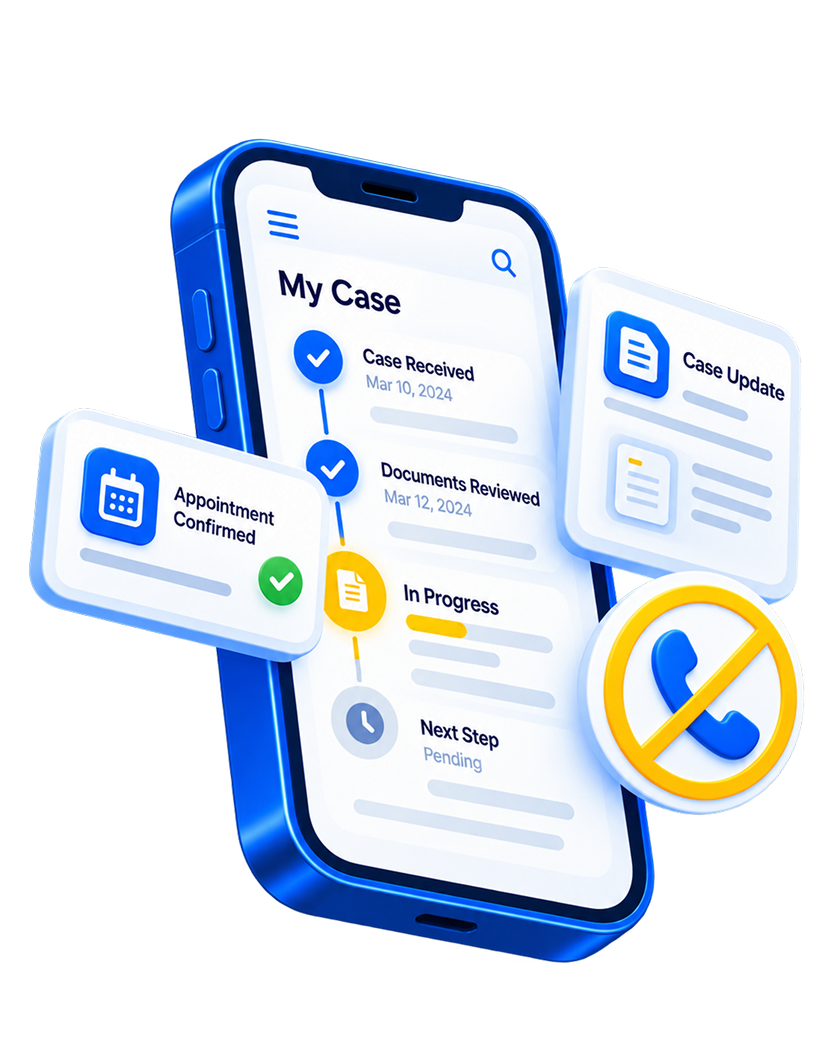
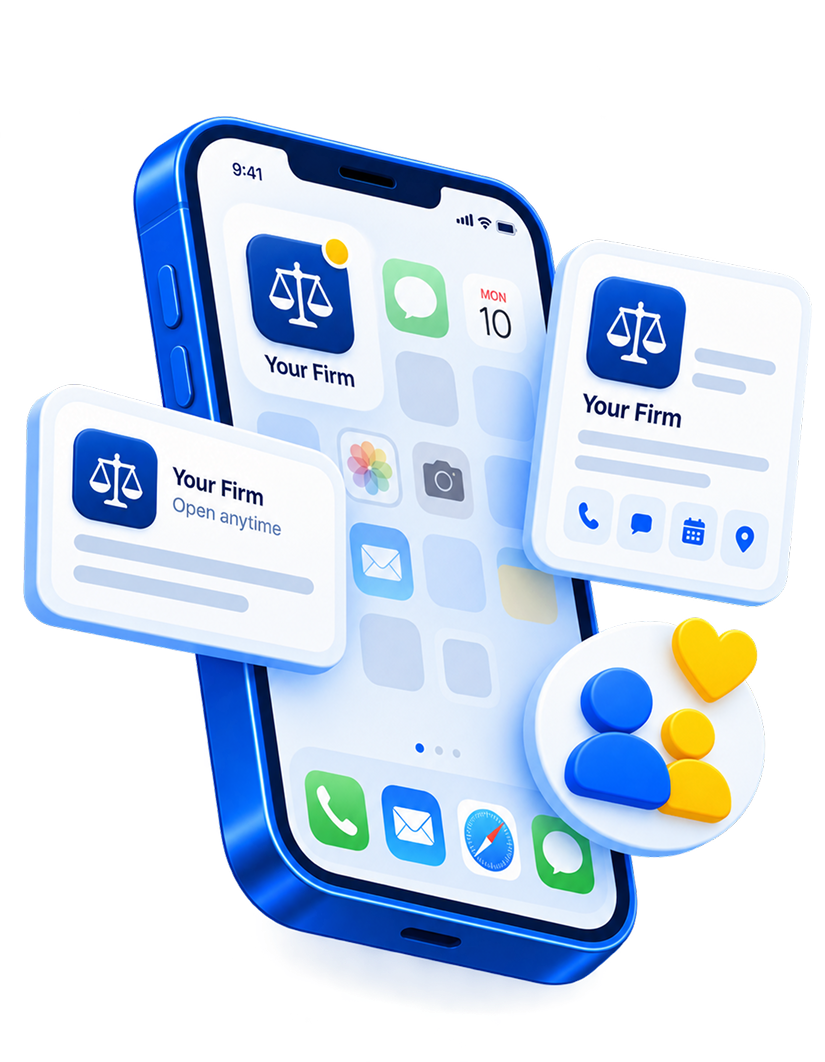
Stronger client relationships
An app with your name and logo stays on the home screen. Clients remember who to turn to.
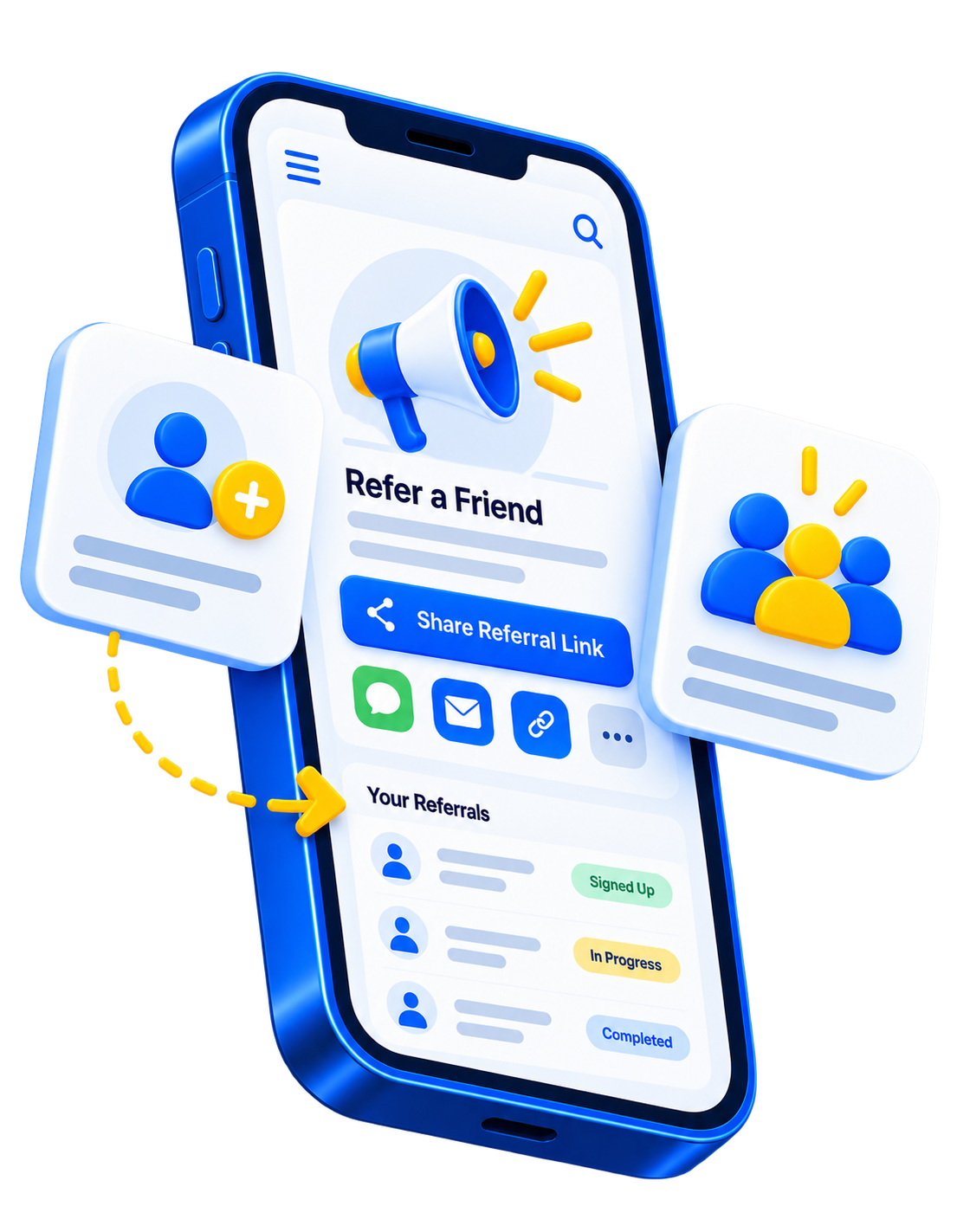
More referrals the media
A built-in referral system makes it easy for satisfied clients to send people your way.
App Features
What the Practice 360 Mobile App Includes
Every feature is set up for your practice, so your team does not have to configure anything.
- 01
Custom-Branded App
- 02
Services and Contact Shortcuts
- 03
Client Referral System
- 04
Secure Document Uploads
- 05
Case Status Tracking
- 06
Client Messaging
- 07
Done-for-You Setup
- 08
Ongoing Support and Updates
The Client Experience
How Clients Use Your App
A simple path from the first tap to the next referral.
Open the app
Clients see your branding, services, and contact options right away.
Upload documents
Clients send forms and files through a secure upload.
Check status
Clients see the current status of their case or appointment.
Message your team
Questions go straight to your practice instead of getting lost in voicemail.
Refer someone
Satisfied clients share your practice with people they know.
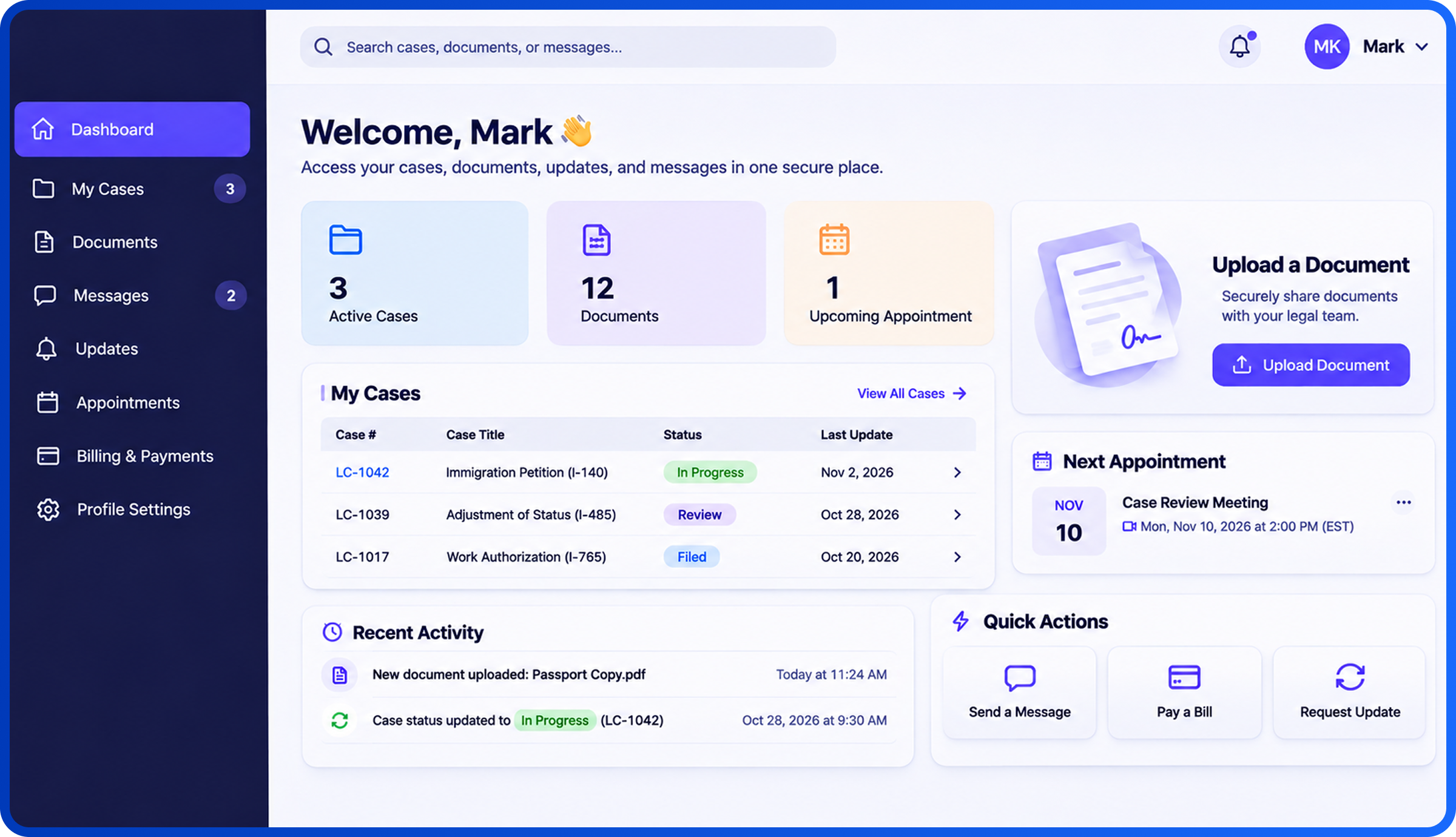
Client Portal Development
Build a Custom Portal
Practice 360 designs and develops custom client portals that give clients and patients one place to access updates, share documents, and communicate with your team. Each portal is built around your practice's workflows to simplify information sharing.
Honest Comparison
Practice 360 vs. Building an App Yourself
Do-it-yourself app builders look cheap until your team has to design, set up, and maintain the app.
Do-it-yourself app
- Your staff designs and configures everything
- Generic template with limited branding
- No built-in way to collect referrals
- Documents arrive by plain email or text
- Updates and bug fixes fall to your team
- The app sits apart from your marketing
Practice 360
- Done-for-you setup by Practice 360
- Custom-branded to your practice
- Client referral system included
- Secure document uploads
- Ongoing support and updates included
- Planned together with your website, social, and email
How It Works
How Practice 360 Launches Your App
One team handles the work from the first call to launch and beyond.
Evaluate
Practice 360 reviews how clients contact you today and which features will save your team the most time.
Design
The team designs your branded app and screens. You approve the design before development.
Build
Practice 360 sets up features such as messaging, uploads, status tracking, and referrals.
Launch
The team tests the app and helps you introduce it to your clients.
Support
Practice 360 provides ongoing support and updates as your practice grows.
Mobile App Pricing
A Done-for-You App at One Monthly Rate
Practice 360 confirms scope and final pricing during your Practice Growth Evaluation.
Mobile App
- Custom-branded mobile app
- Client referral system
- Secure document uploads
- Case status tracking
- Client messaging
- Done-for-you setup
- Ongoing support and updates
One Team
Your App Works Harder With the Rest of Your Marketing
Practice 360 plans the app together with your other channels, so clients meet one consistent practice everywhere.

Who We Build For
An App Built Around How Your Industry Works
Law Firms
Keep clients informed while their matter moves forward.
- Case status tracking
- Secure document uploads
- Client messaging and referrals
Medical Practices
Help patients stay connected and keep their appointments.
- Appointment status and contact options
- Secure document uploads
- Patient messaging and referrals
Common Questions
Mobile App FAQs

What is the Practice 360 mobile app?
How much does the mobile app cost?
Is the mobile app included in the all-in-one package?
What does the app include?
Do I need technical staff to run the app?
Is the app secure for client documents?
Can the app work for medical practices?
How do clients get the app?
How does the client referral system work?
Who owns the app and its content?
Ready When You Are
Ready to Put Your Practice in Your Clients' Pockets?
Practice 360 will review how clients contact you today and show you where an app could save your team time.